AI Clip Maker
Paste a public video URL, choose how many clips you want, and run the clip maker. Each run costs credits. There is no free trial — you must have credits in your account before running.
Your clips appear below when the job finishes. You can preview each one and download the MP4.
How it works
- Buy credits on the pricing page.
- Paste a public YouTube, Vimeo, Twitch, or direct video URL.
- Pick the clip count and aspect ratio, then run.
- Preview and download your finished clips.
What you get back
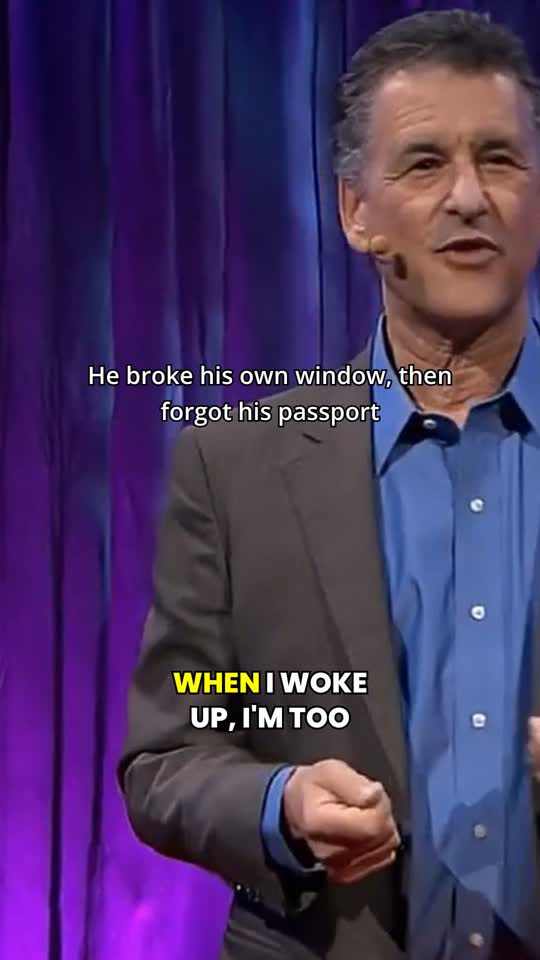
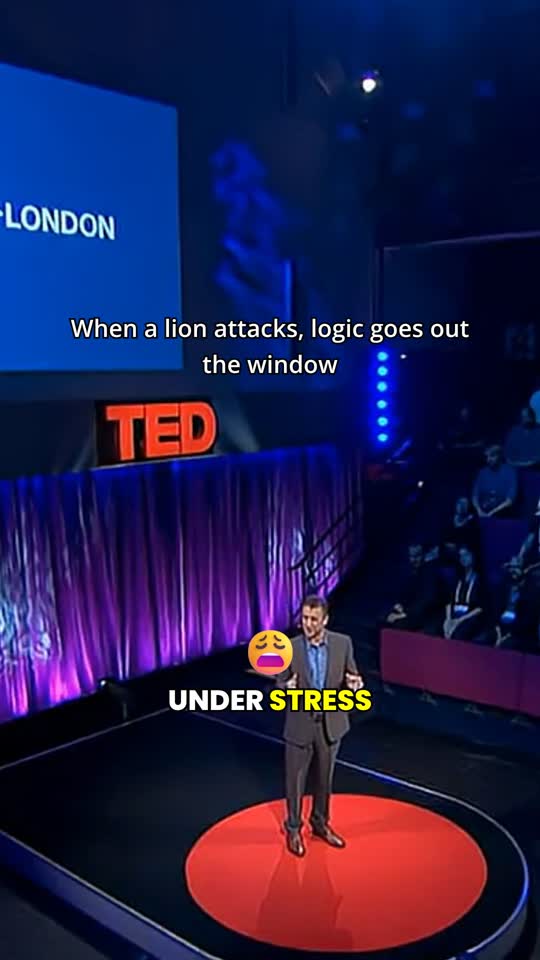
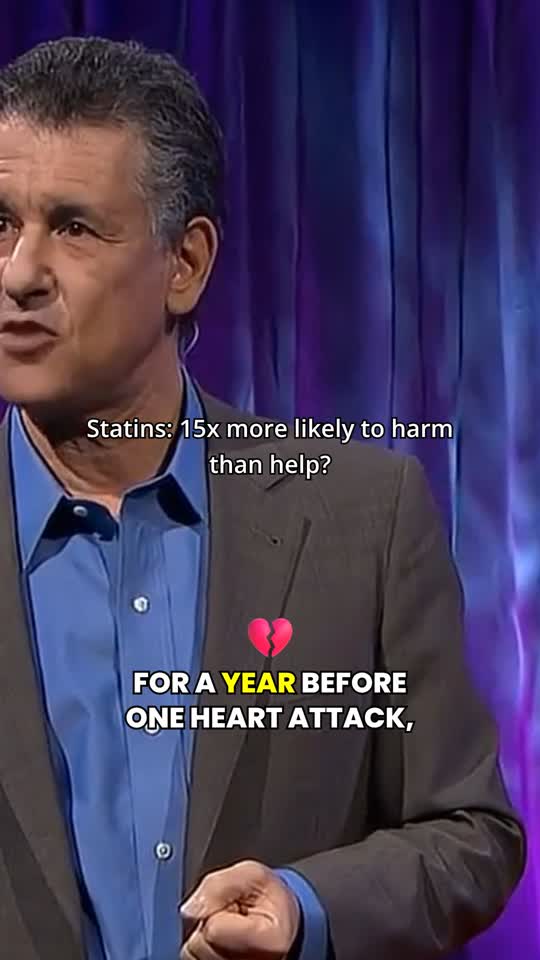
A real run on one long talking-head video returned five vertical shorts with burned-in captions. These are actual frames from the generated MP4s — not mockups. Sign in to watch all five clips.
Supported sources and limits
- Sources: public YouTube, Vimeo, and Twitch URLs, or a direct public video file URL. Anything behind a login cannot be fetched.
- Source length: a full podcast episode or stream VOD is fine. Length does not change the per-clip price.
- Output: finished MP4, 9:16 by default (also 1:1 or 16:9), with editable burned-in captions, speaker-tracked crop, and no watermark.
- Credits: one credit per finished short, chosen 3 / 5 / 10 per run. No free tier — buy credits on the pricing page first.
- Failures: if the source cannot be reached or the run fails, credits are refunded automatically. You only pay for shorts you can download.
Common questions are collected on the FAQ.
Make shorts from your video
Paste a public video URL. We find the moments worth posting and return vertical, captioned clips. Each run costs credits per clip. No free runs.
Payment successful — credits are in your account.
Payment is confirming. Credits will appear shortly.